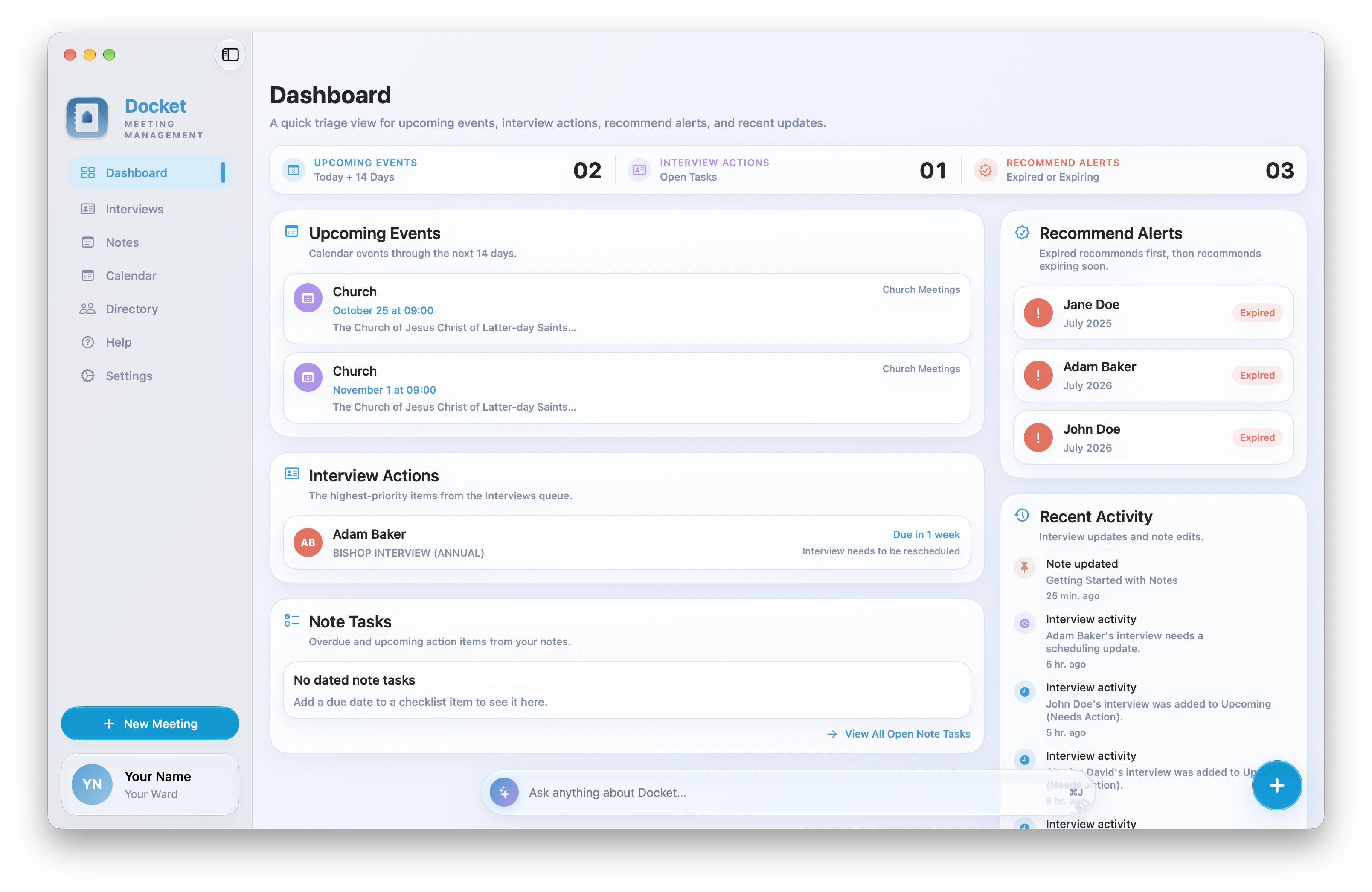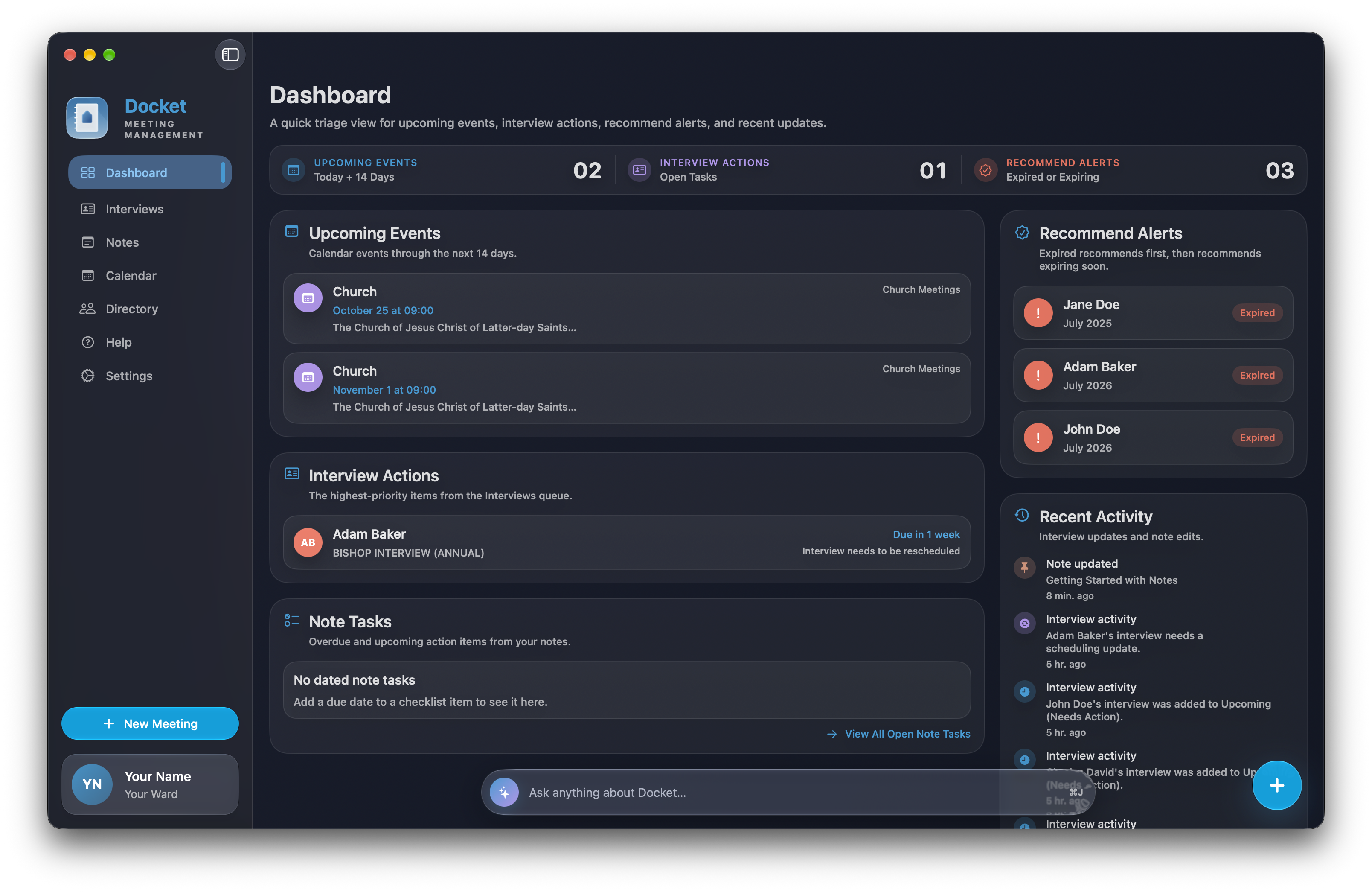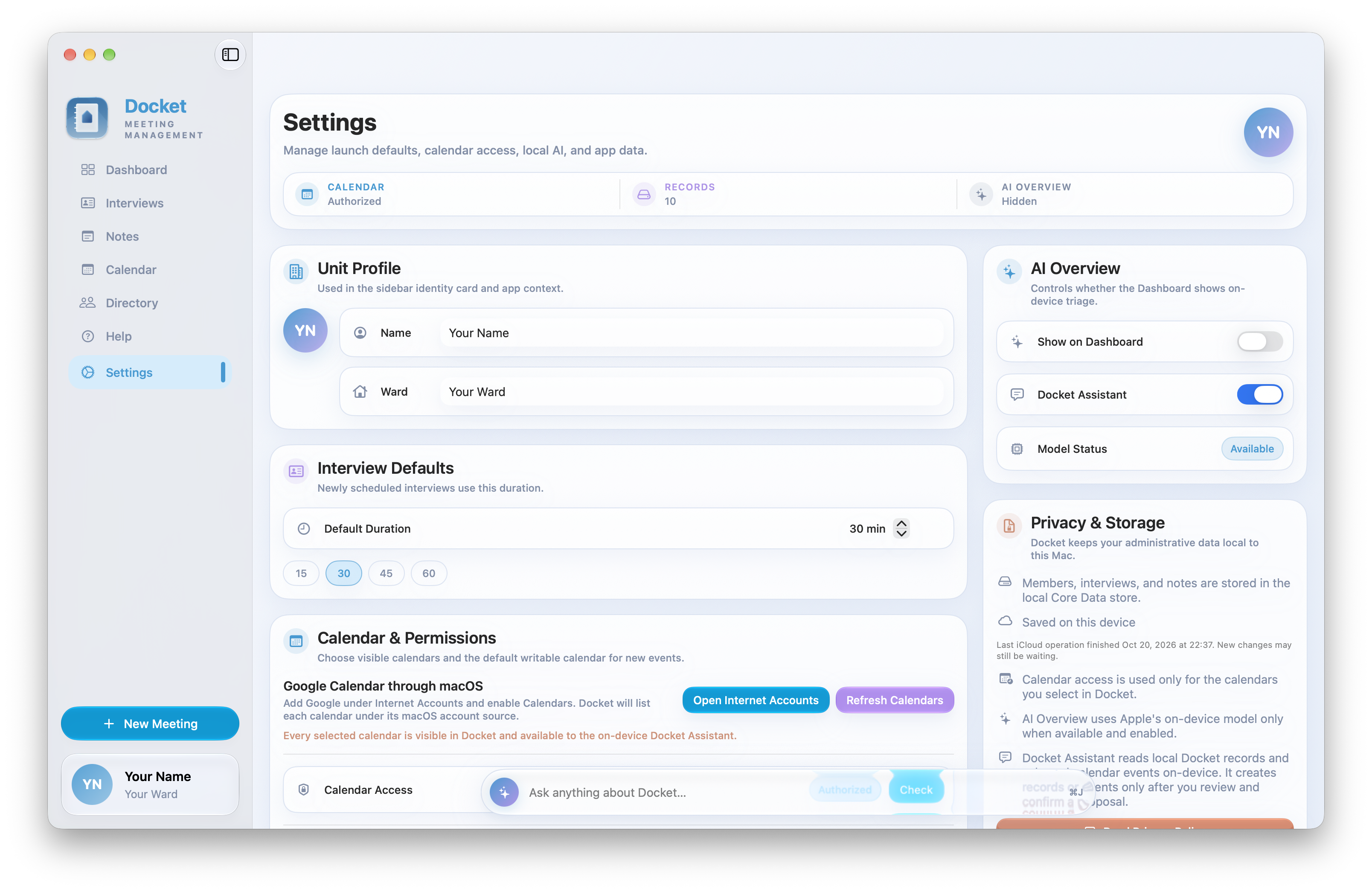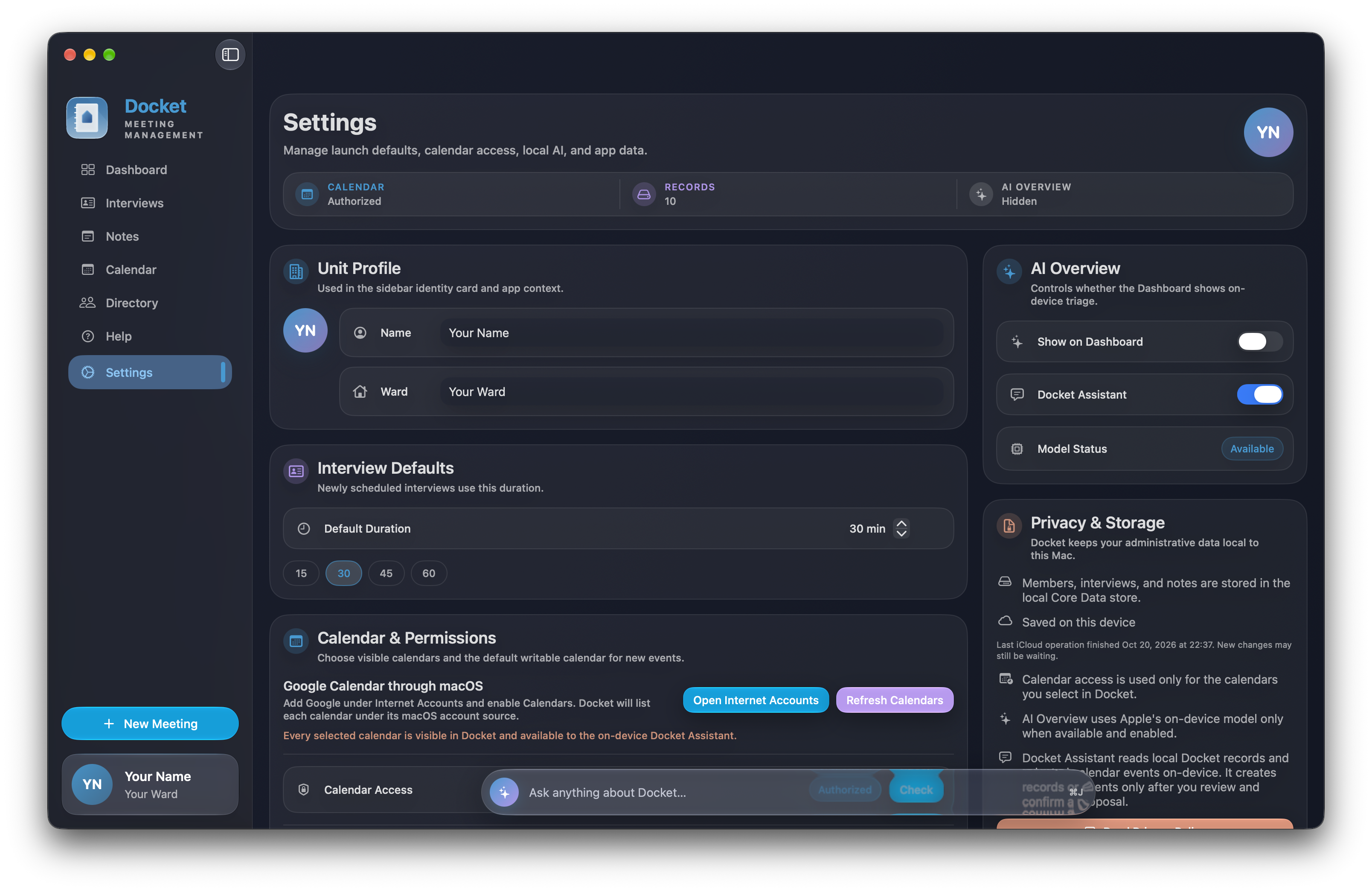

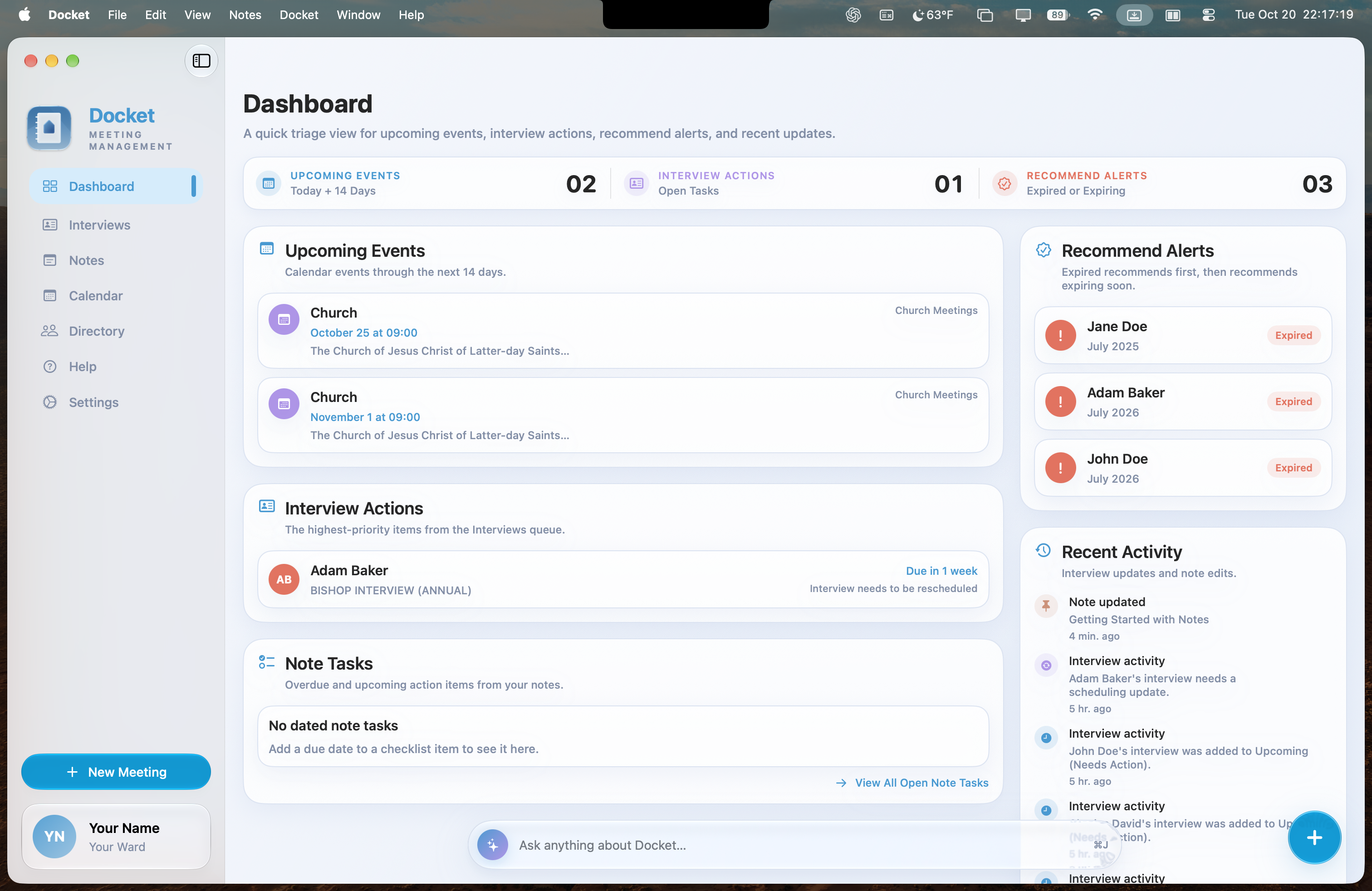
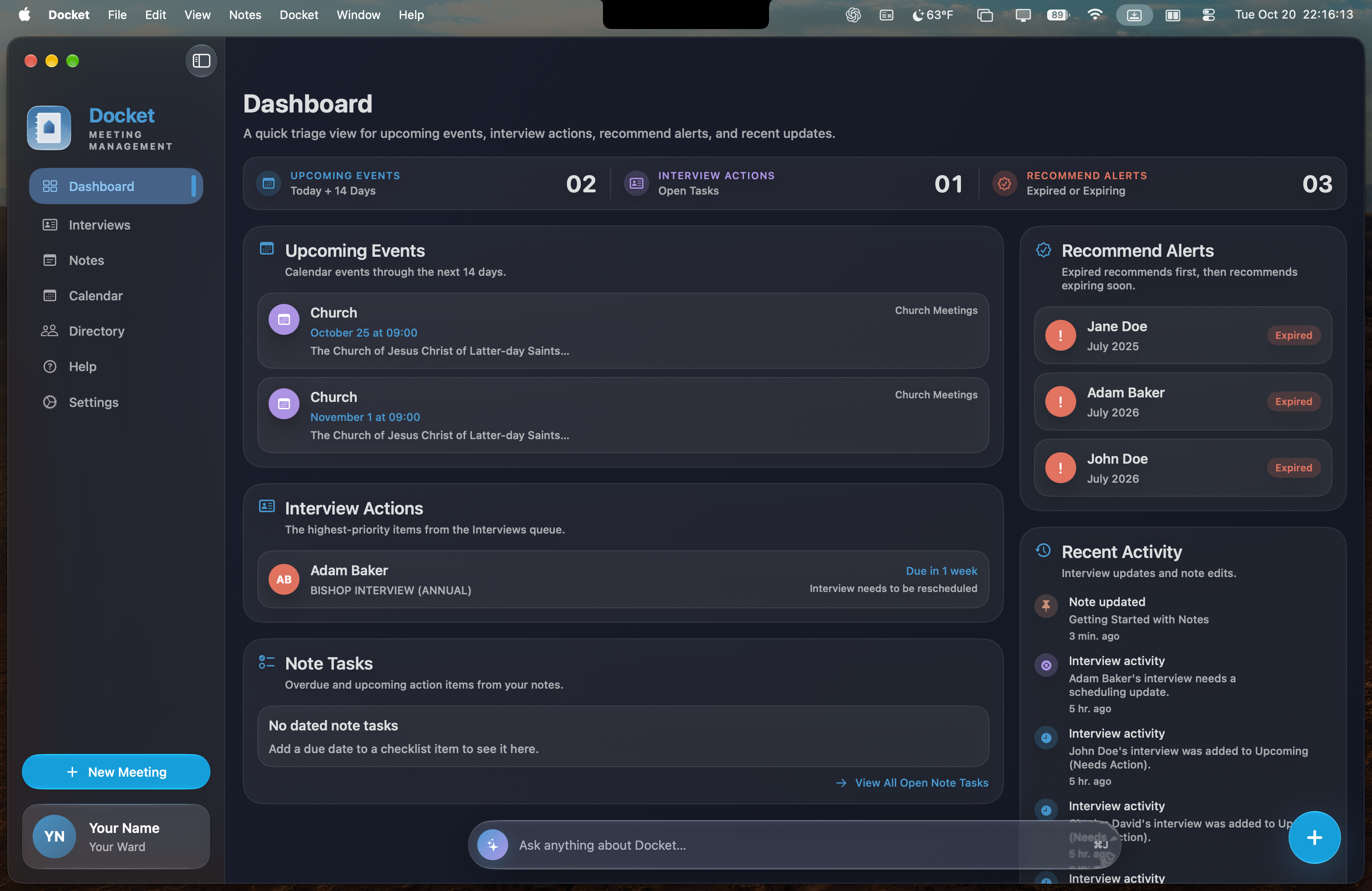
A dashboard that thinks in priorities
See upcoming events, interview actions, recommend alerts, and recent activity without hunting through separate tools.
Docket is a private Mac workspace for the people who keep ward leadership moving—bringing meetings, interviews, calendars, notes, and follow-ups together so you can prepare well and care with confidence.

Leave the scattered notes, separate calendars, and disconnected lists behind. Docket gives your bishopric one clear view of what’s next, what needs action, and what’s already handled.
Docket turns administrative work into a simple rhythm: see the priority, understand the context, and take the next step.
See upcoming events, interview actions, recommend alerts, and recent activity without hunting through separate tools.
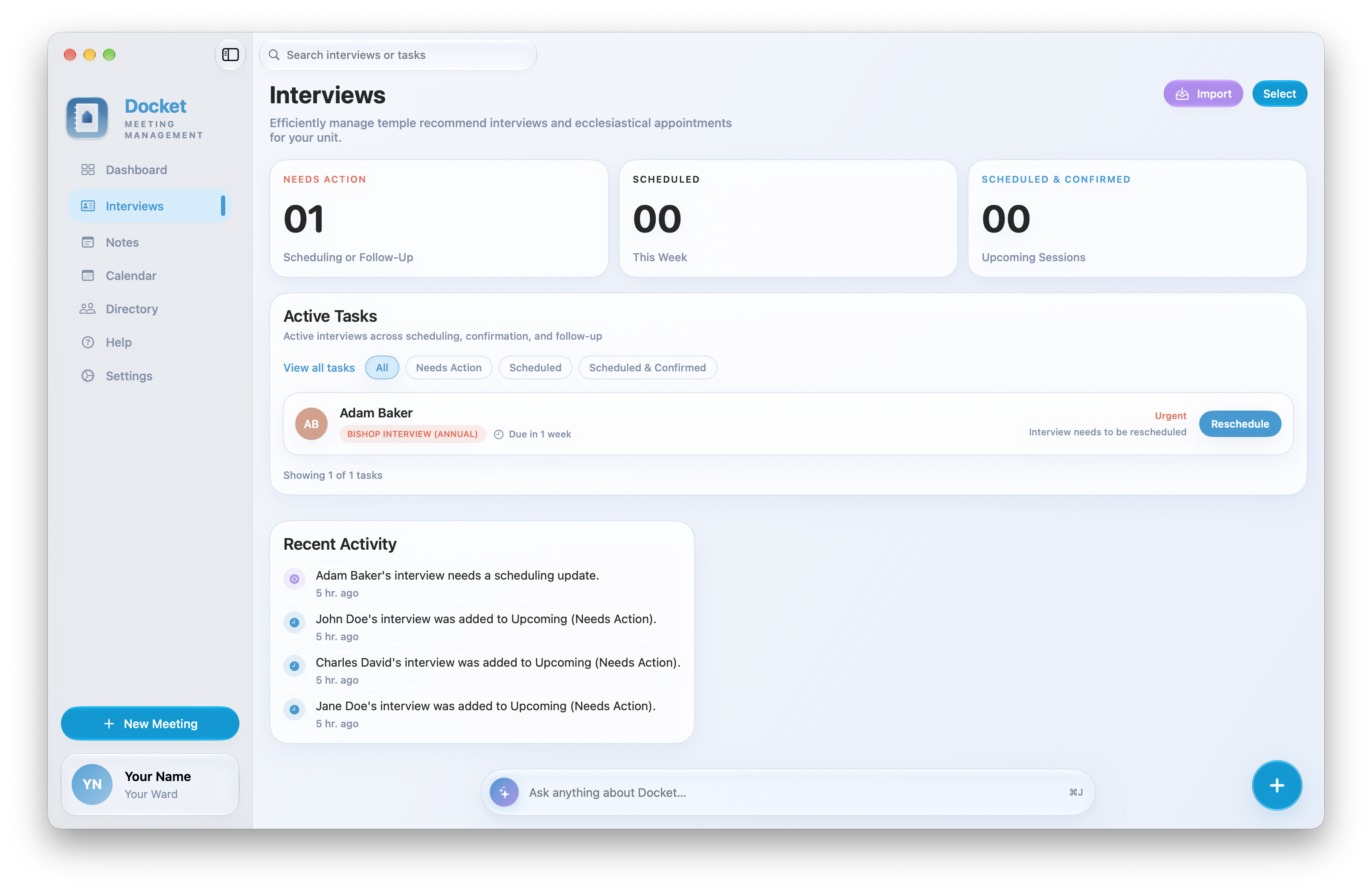
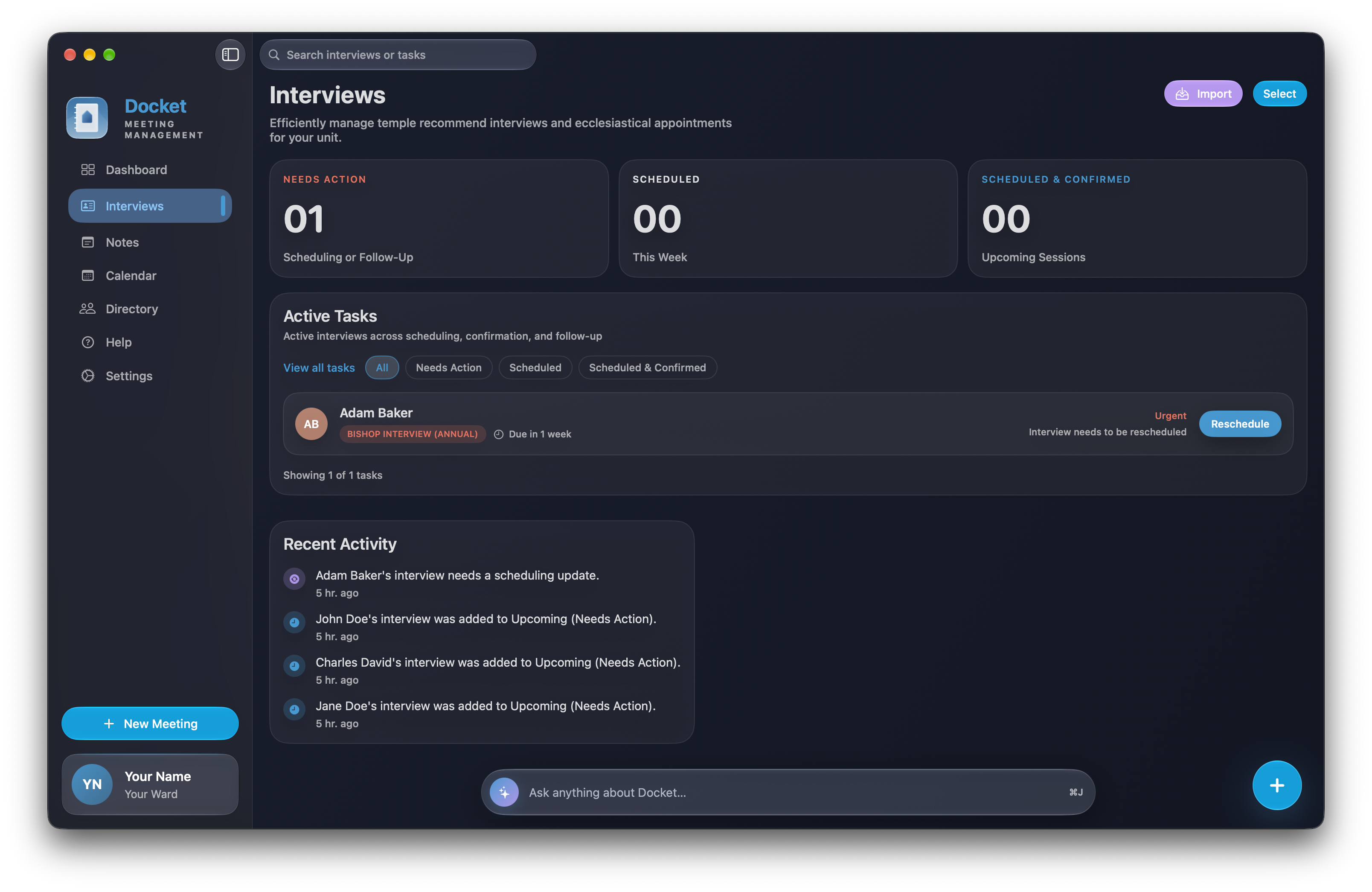
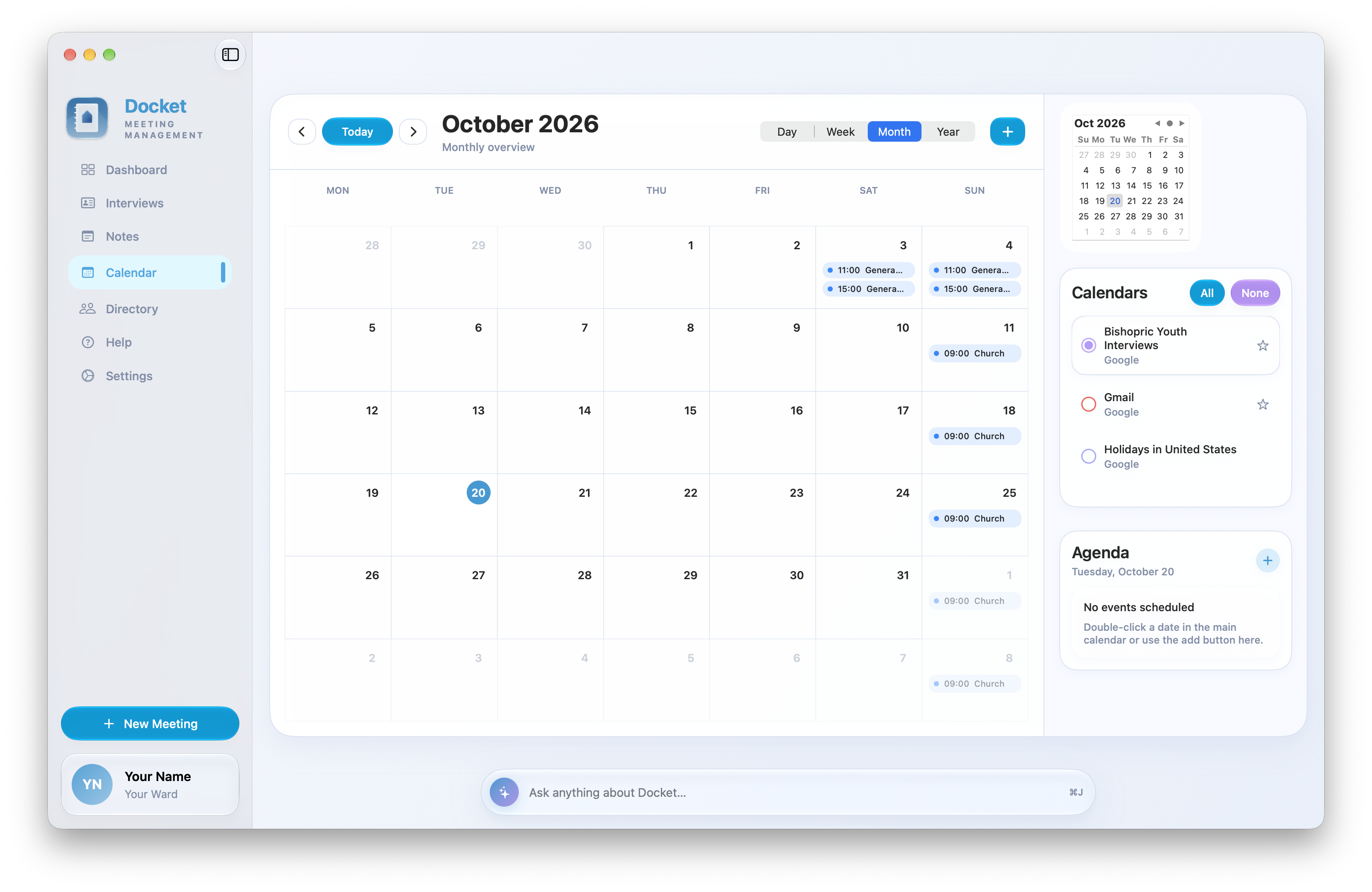
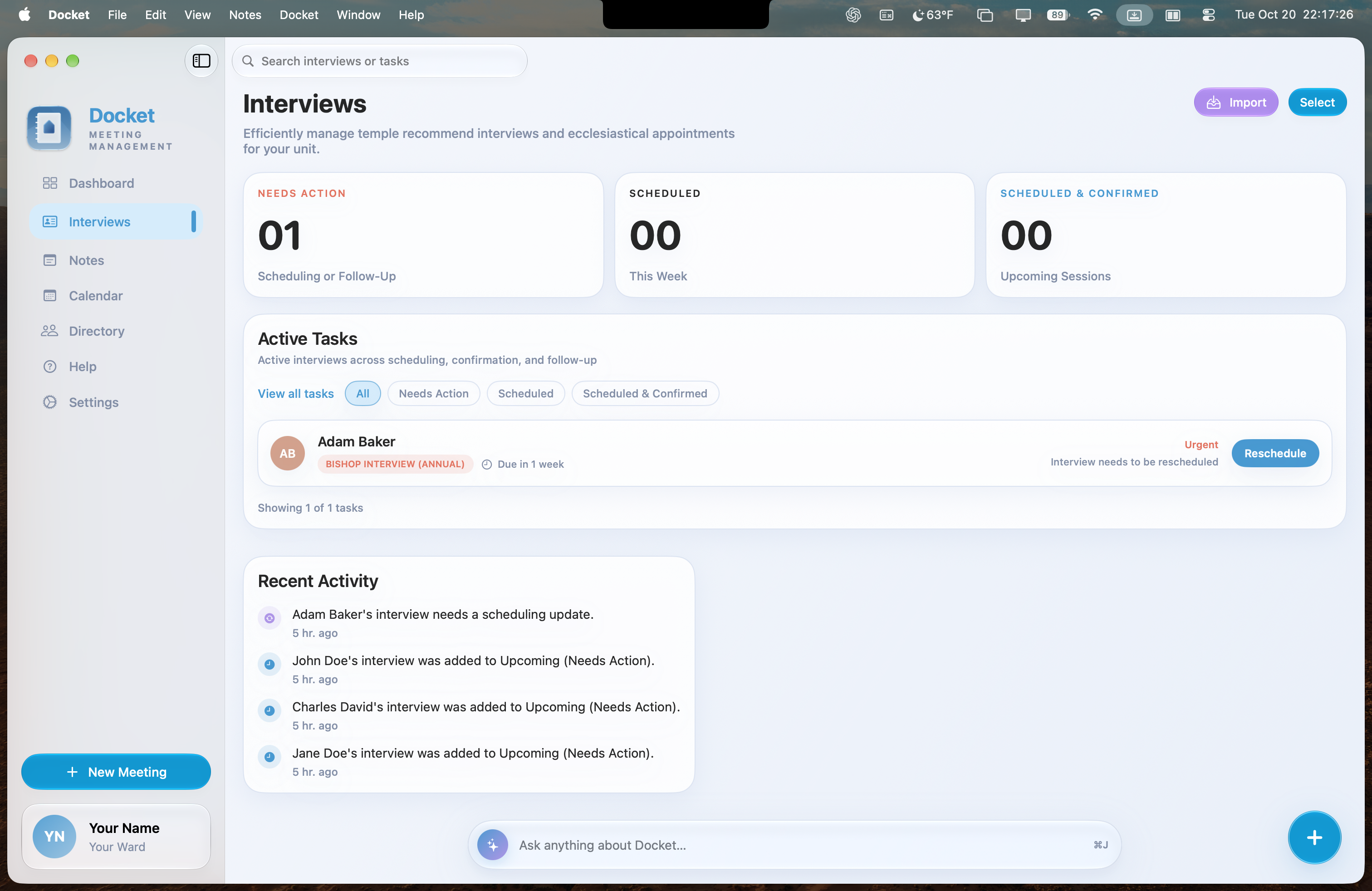
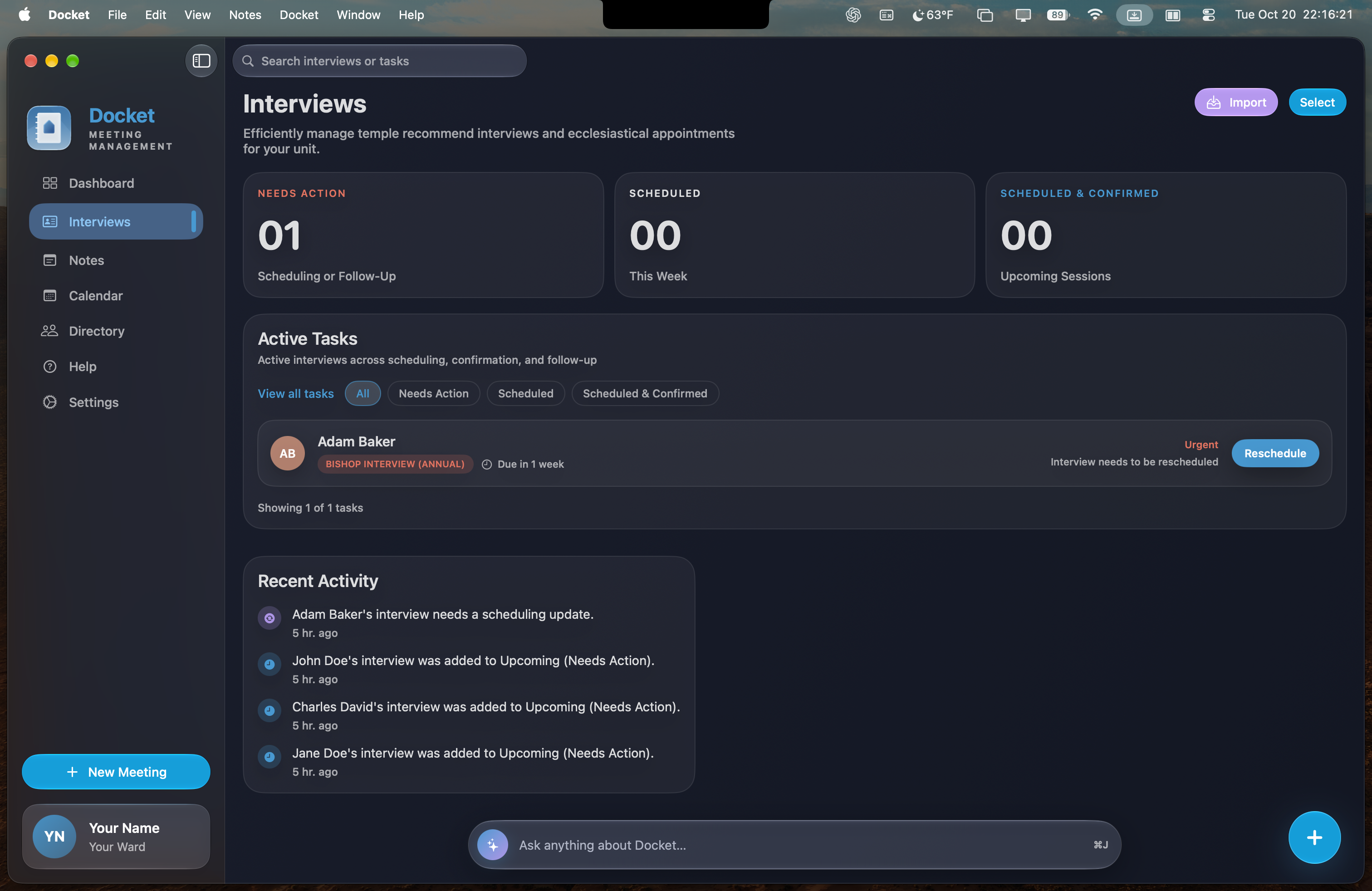
Organize what needs scheduling, what’s coming up, and what has been completed.

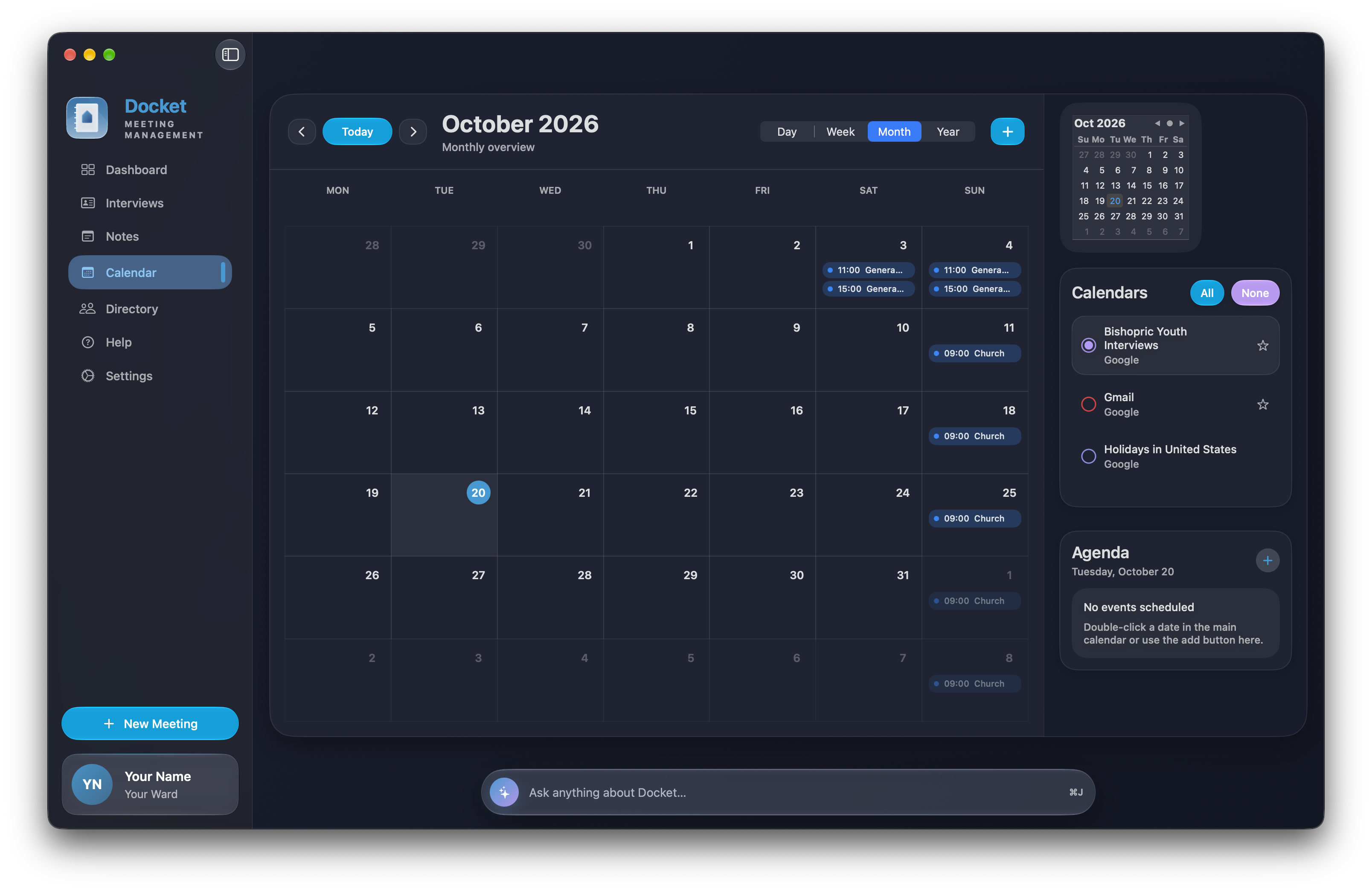
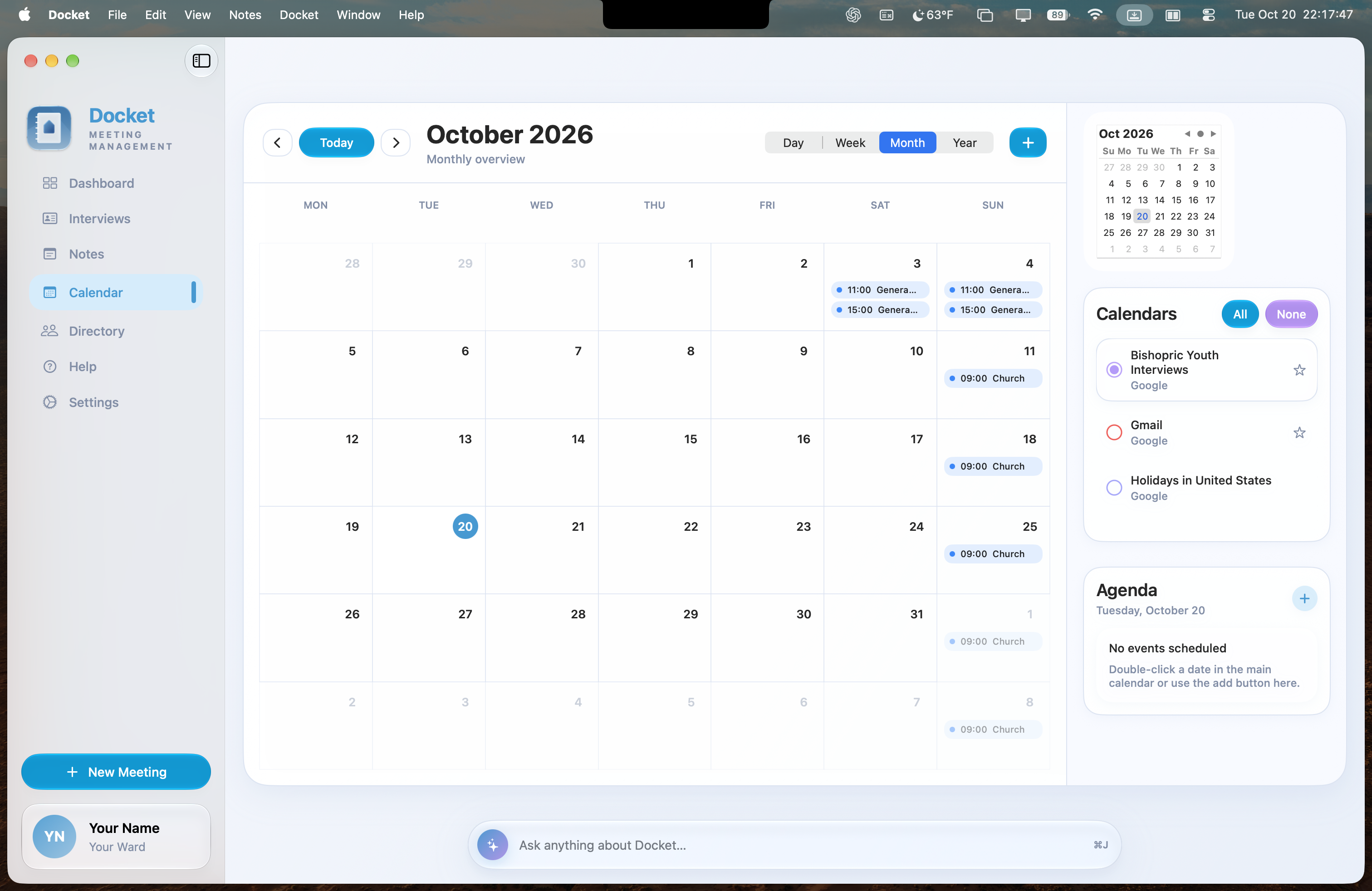
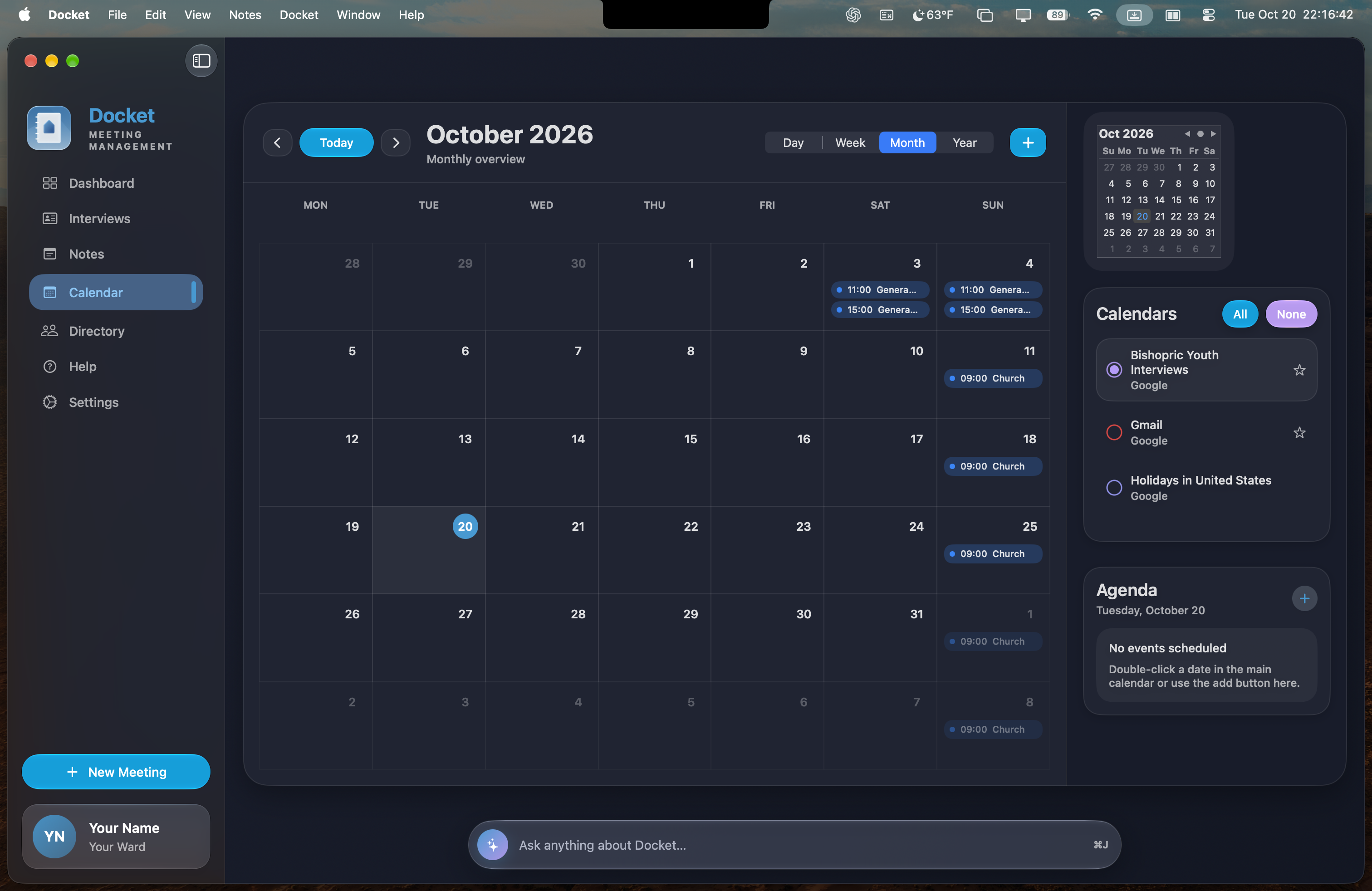
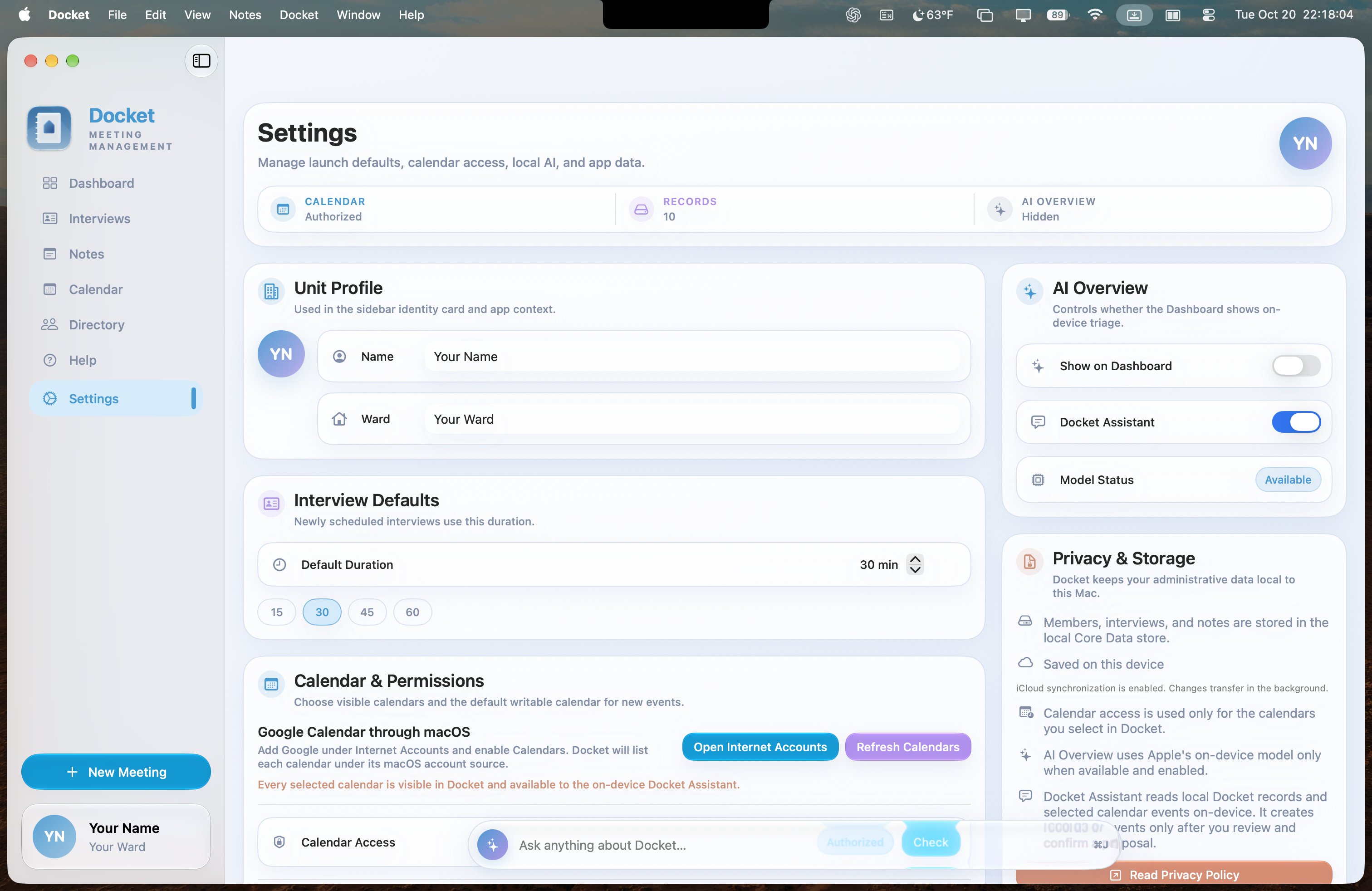
View existing calendars and create events without leaving Docket.

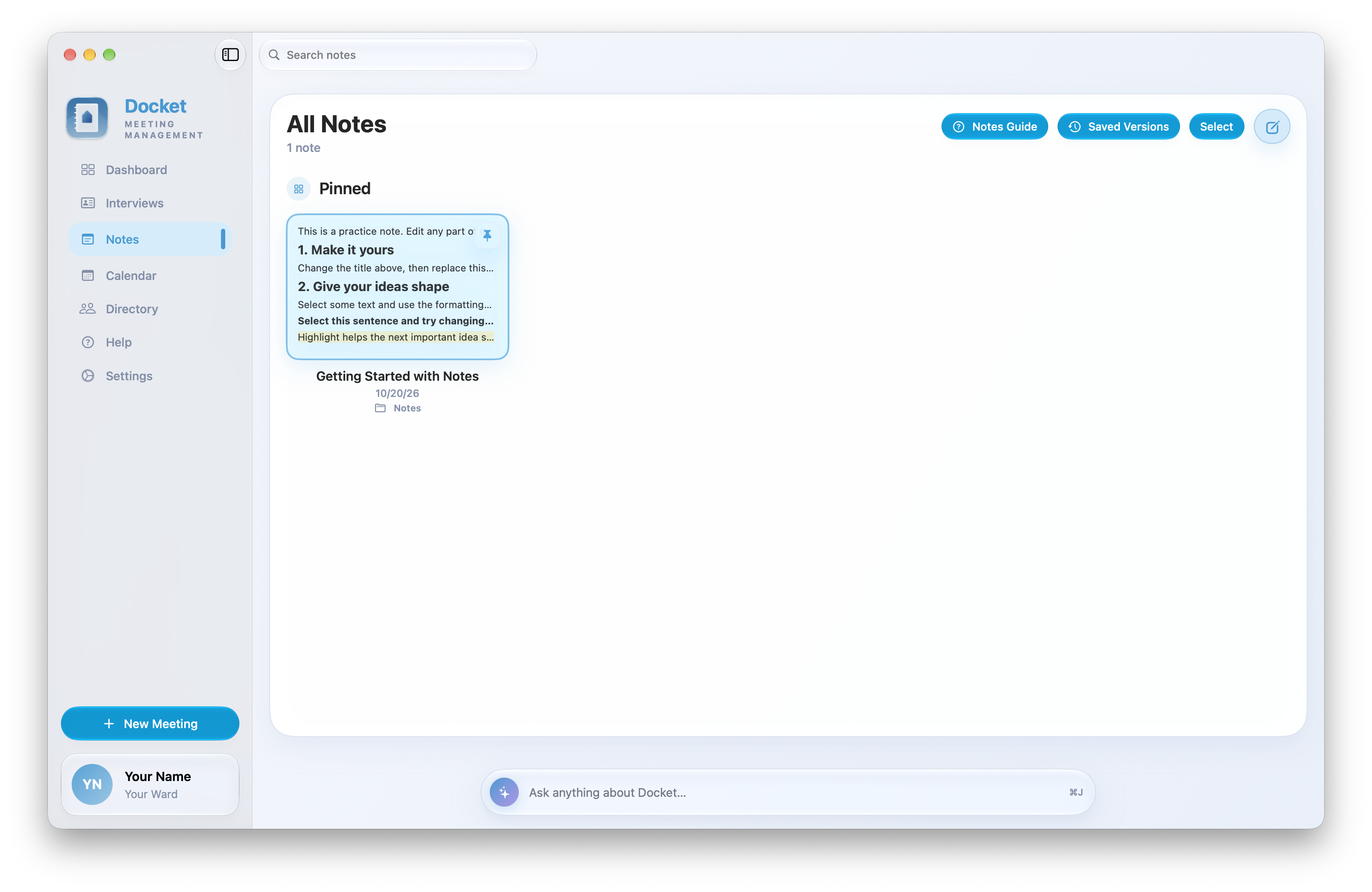
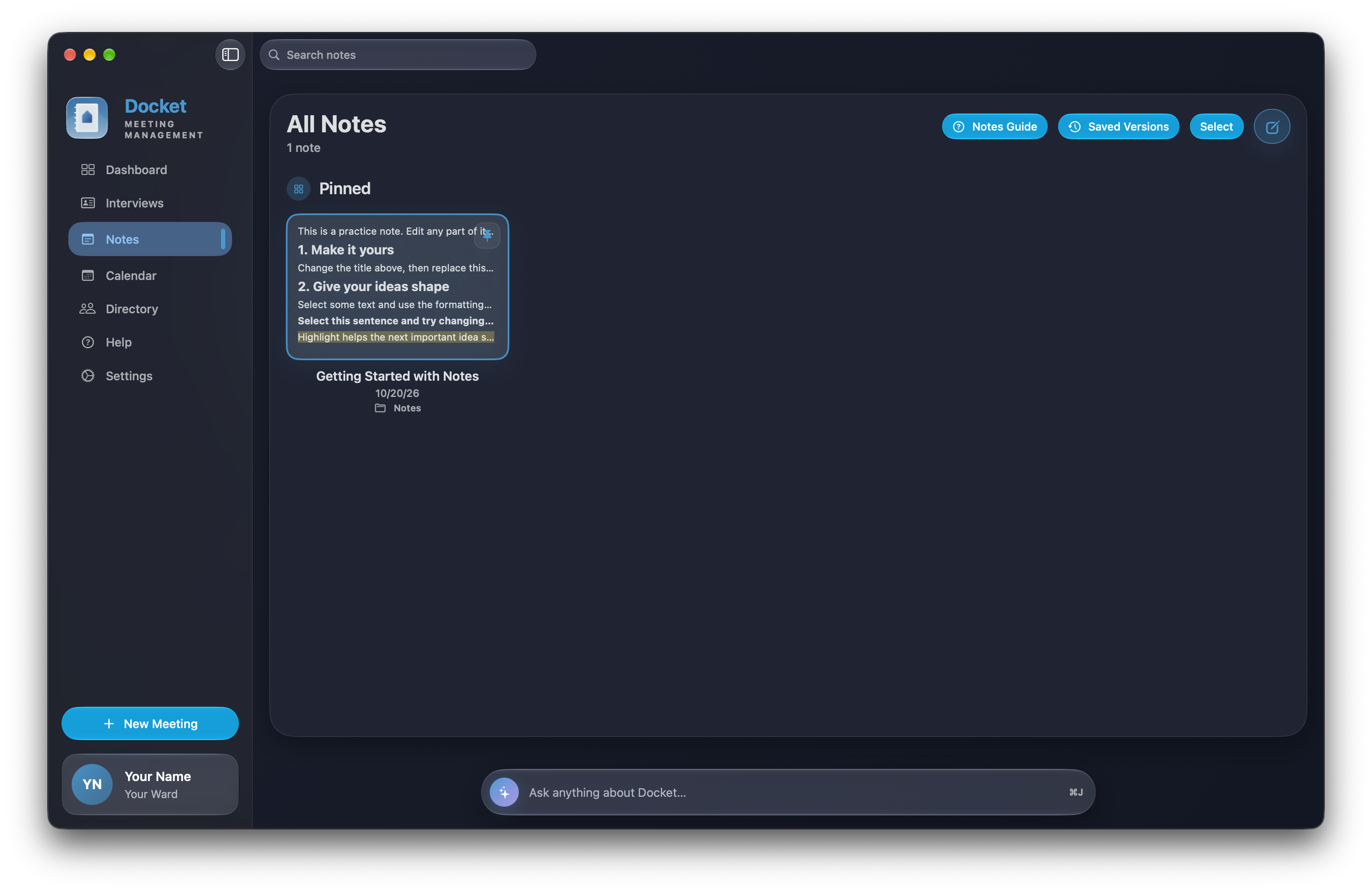
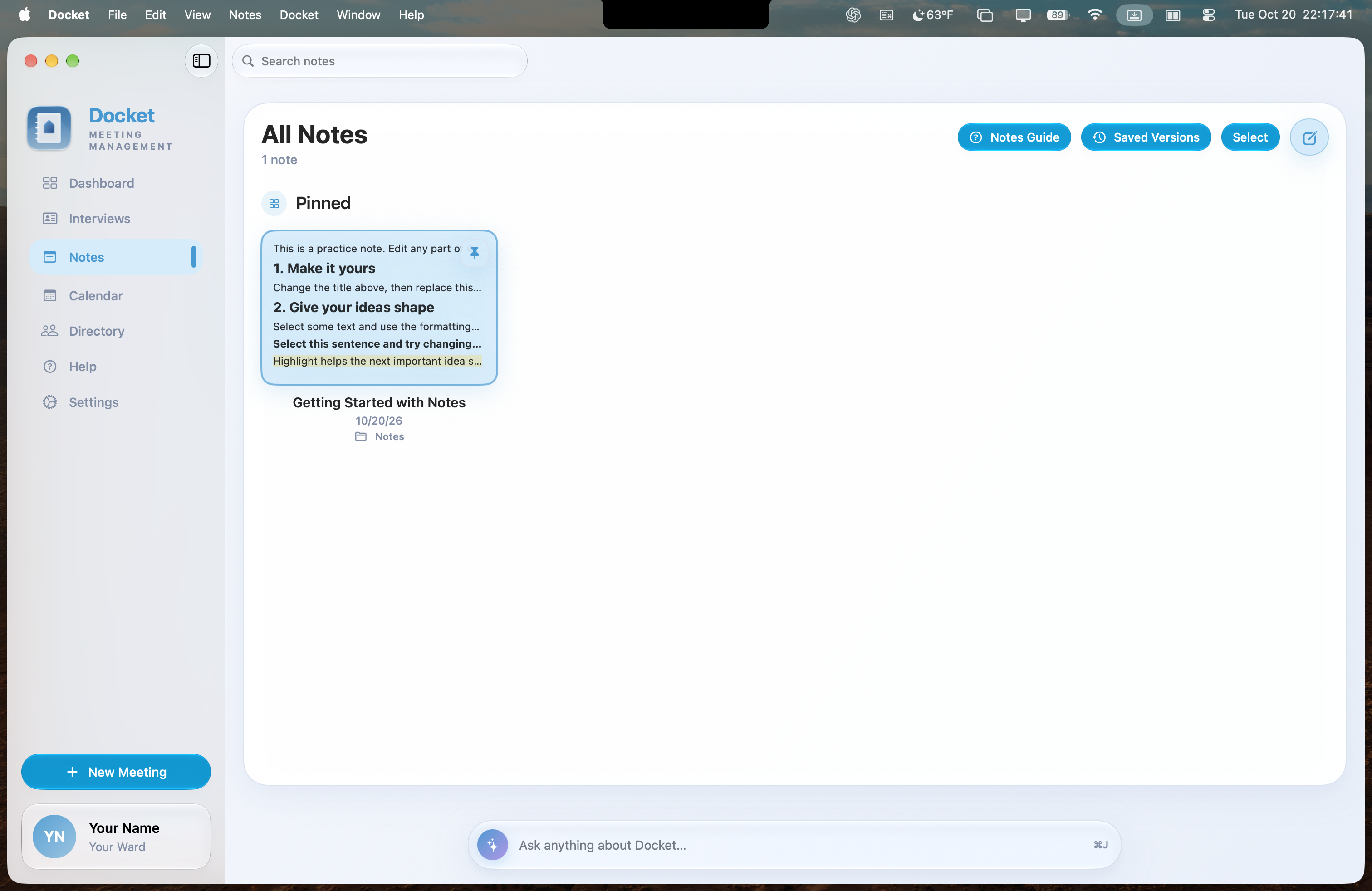
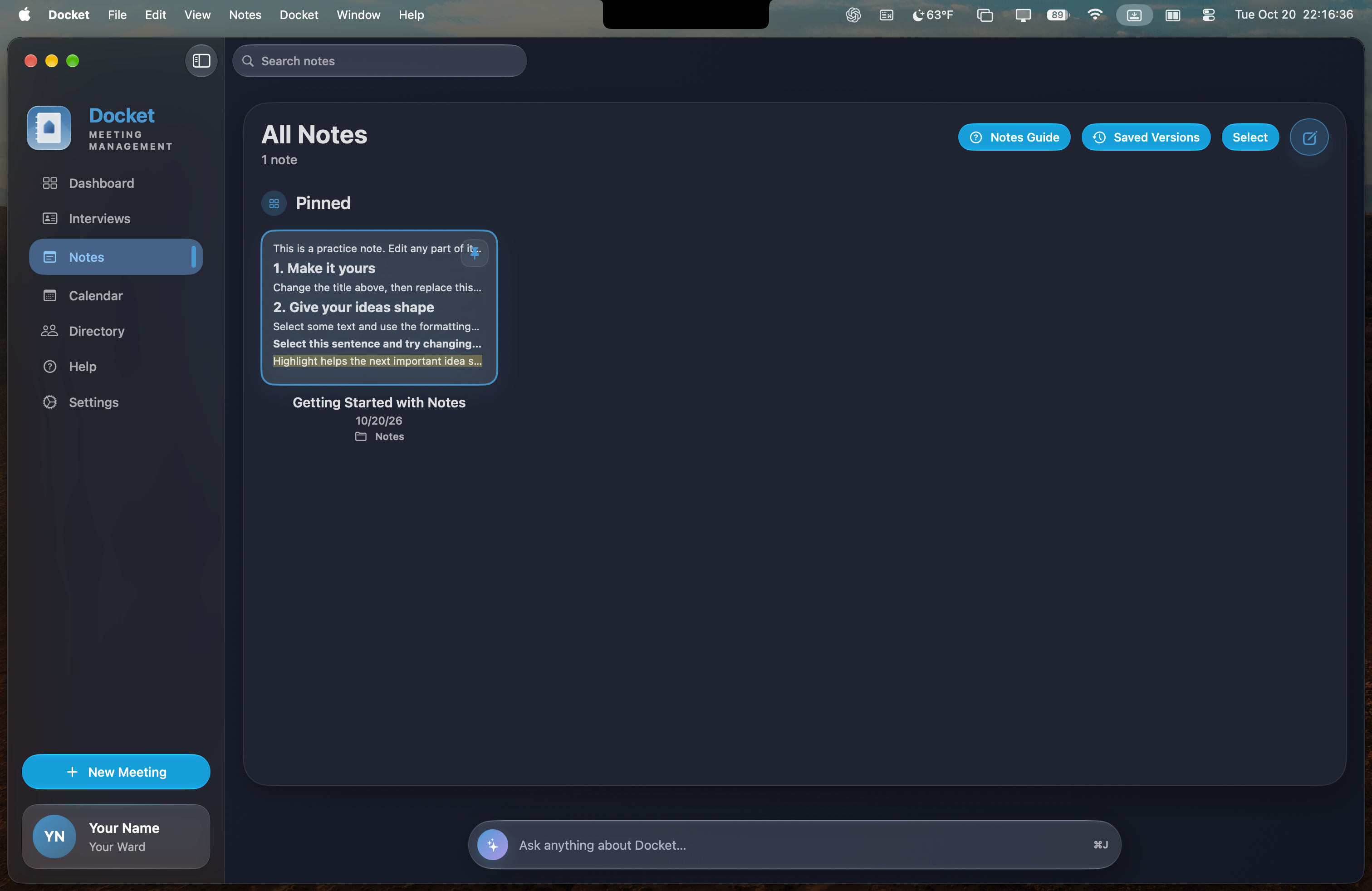
Prepare for meetings, pin important information, and find the context you need later.
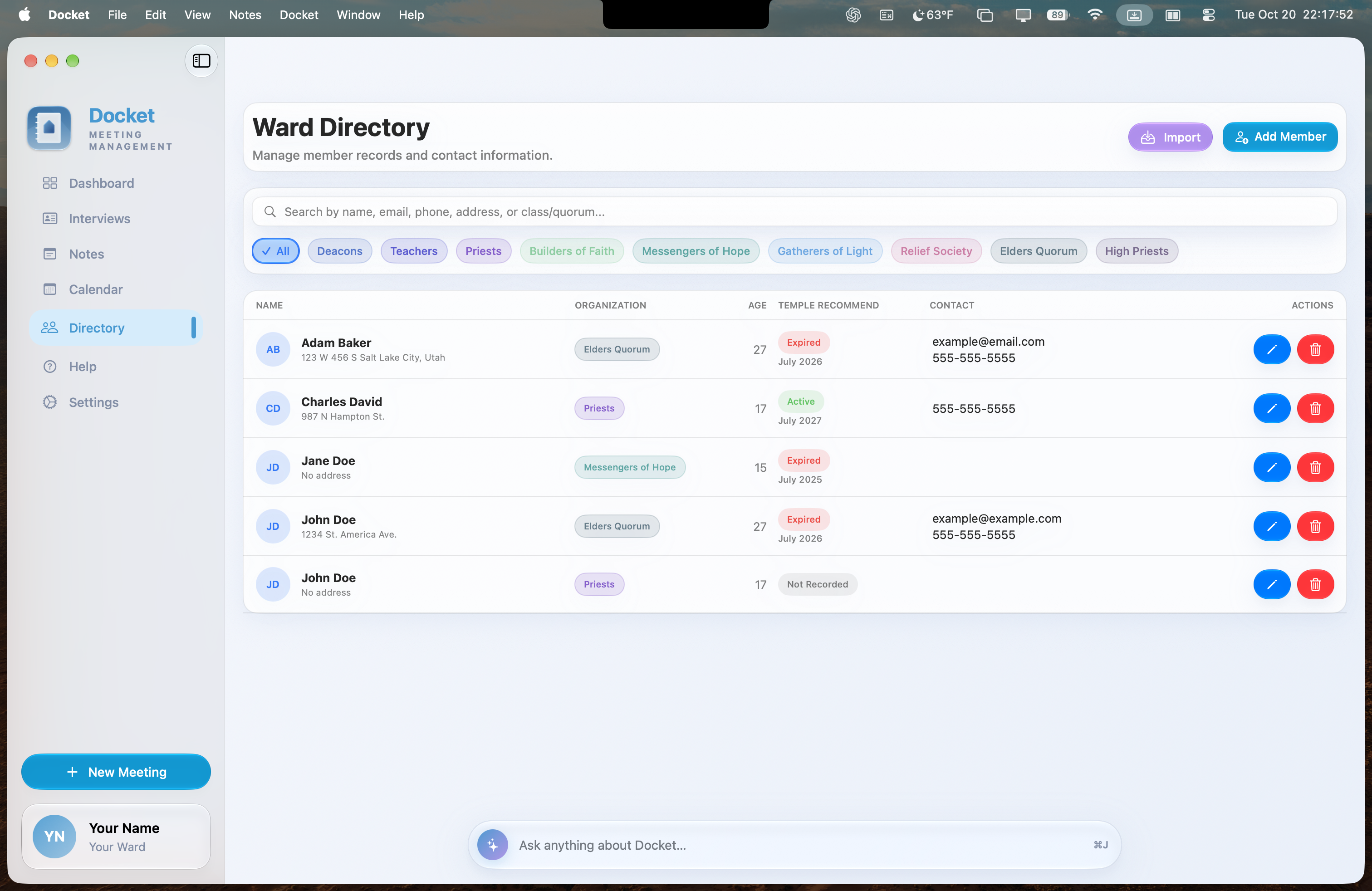
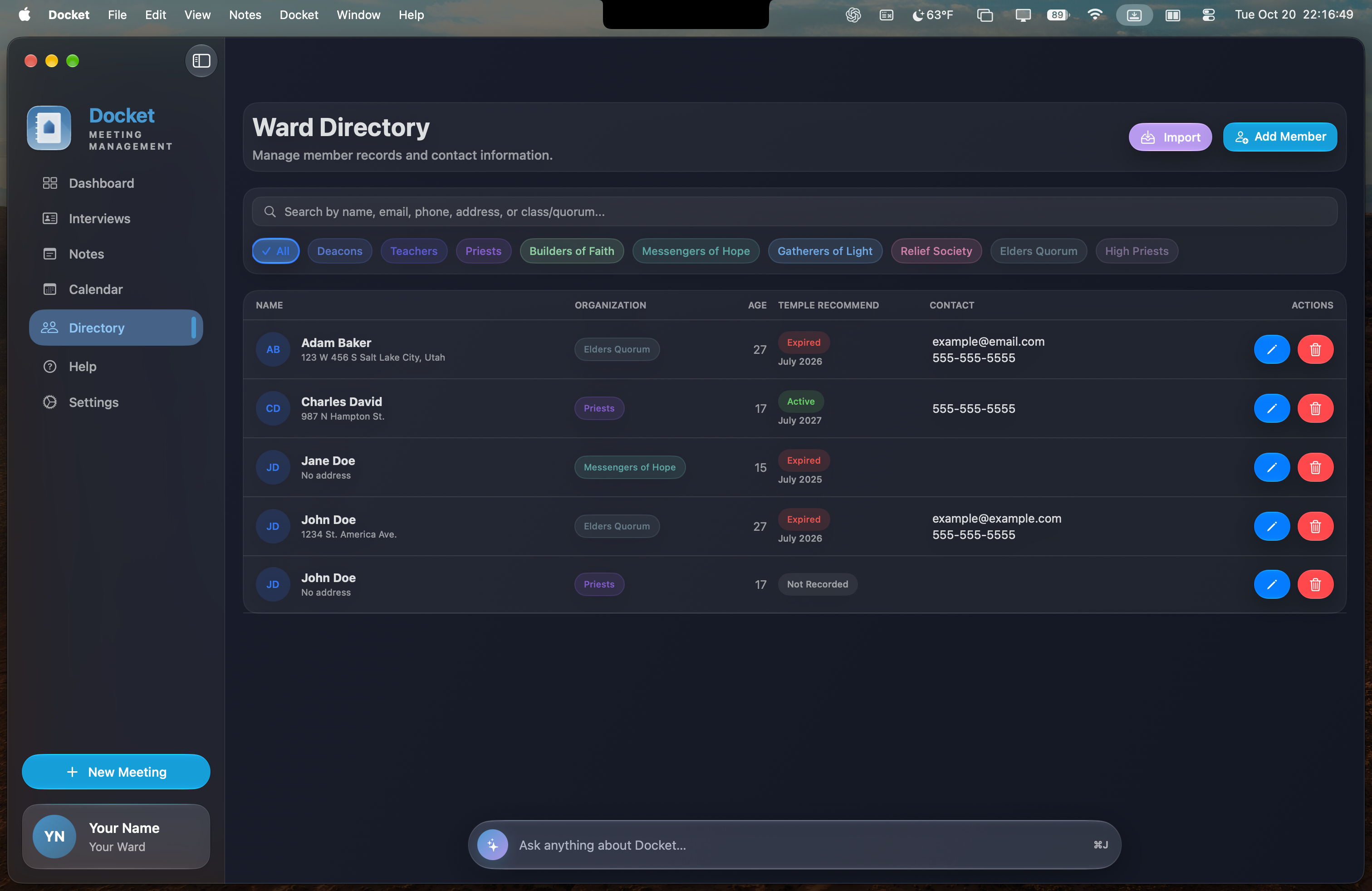
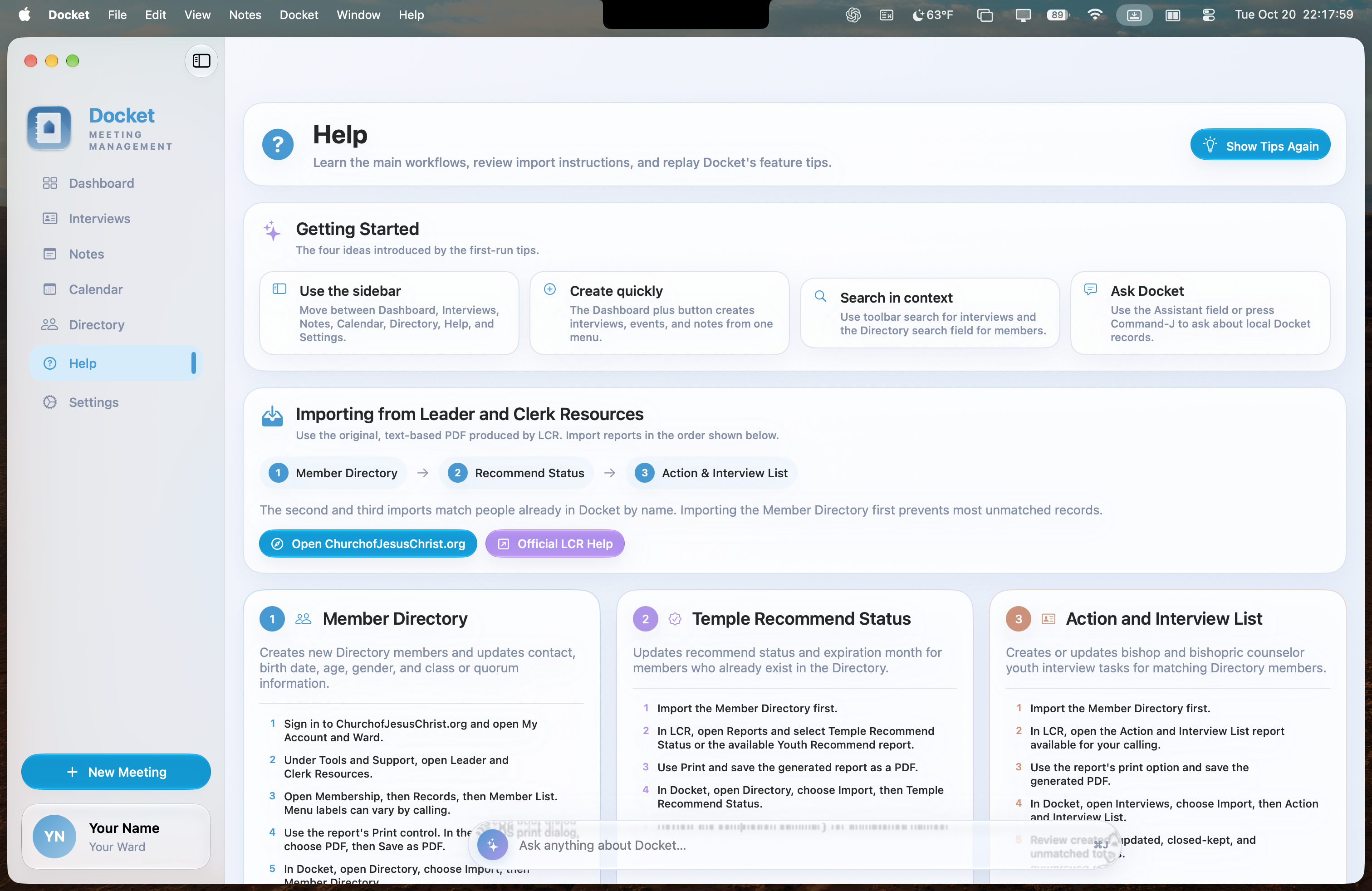
Add people manually or import member directory and temple recommend status PDF reports downloaded or printed from the Church website.

Designed for bishops, counselors, and executive secretaries, Docket brings the practical work of preparation and follow-through into one thoughtfully organized Mac app.
Docket does not require an account, collect your records, track your activity, or send your administrative data to a developer-controlled server.
Read the privacy policy →
Three items need your attention today. Begin with the expired recommend, then confirm Wednesday’s interview.
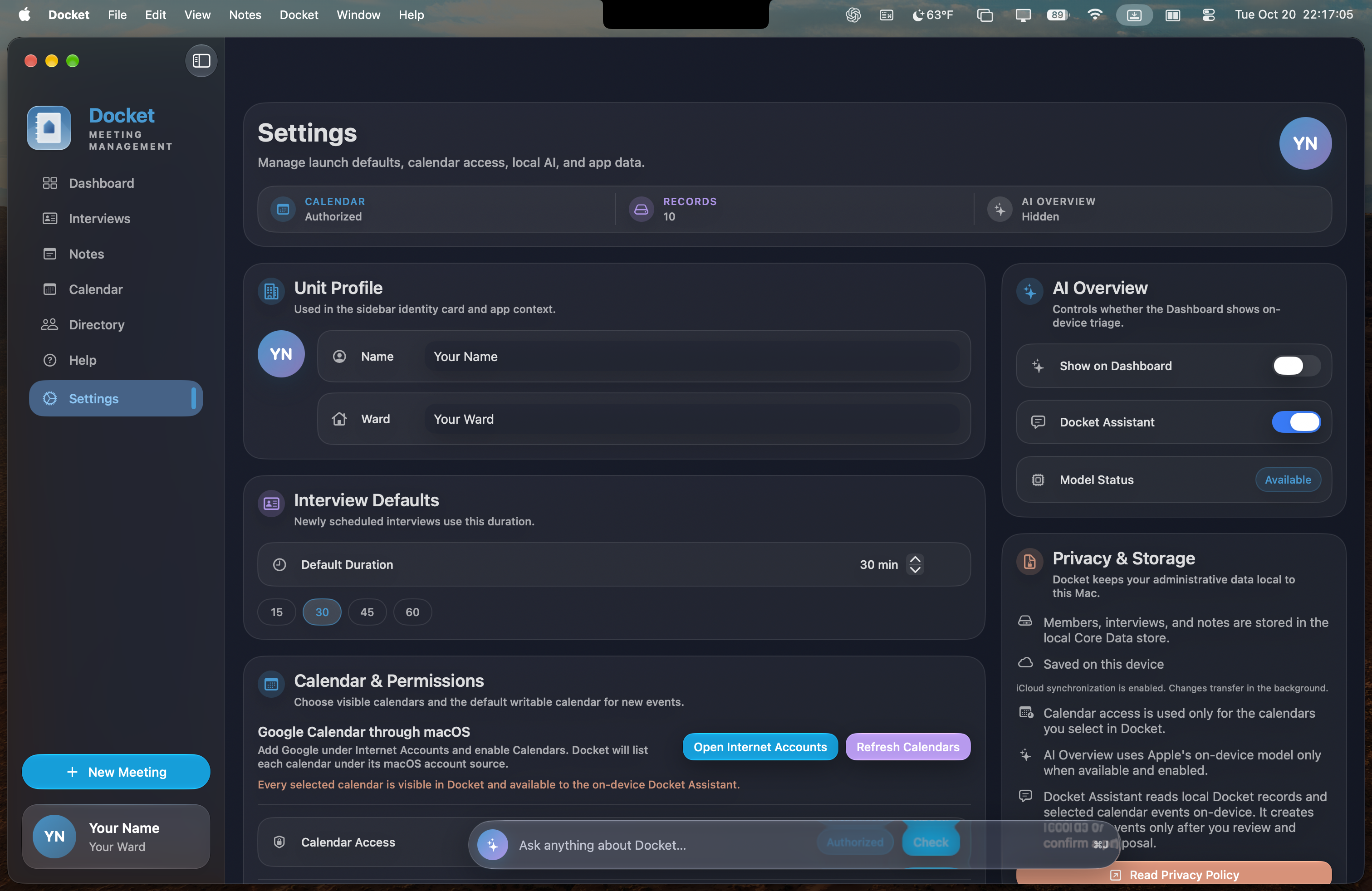
Generated on this MacWhen supported and enabled, Docket uses Apple’s on-device intelligence to create a short, practical briefing from the information already in the app. If it isn’t available, every other part of Docket continues to work normally.
Docket is designed for bishopric members, including bishops, counselors, and executive secretaries who coordinate meetings, interviews, calendars, notes, and follow-up actions.
Member records, interviews, and notes are stored locally on your Mac. Docket does not collect this information or store it on a developer-controlled server.
No. Docket is free, requires no account, and has no subscriptions or in-app purchases.
You can import member directory reports and temple recommend status reports in PDF form, or enter records manually. Imported records can be reviewed as part of your setup.
No. When supported and enabled, the overview uses Apple’s on-device model. It is optional, and Docket continues to work normally without it.
Docket is a native Mac app and requires macOS 26 or later. Calendar features require permission to access the calendars you choose.
Prepare better, schedule faster, and follow through with confidence.