Everything included

One place for the
whole working week.

Docket keeps the practical pieces of bishopric administration connected—from first signal to final follow-through.

FreeMac, iPhone & iPadNo Docket account
Feature by feature

Built around how
the work actually moves.

01

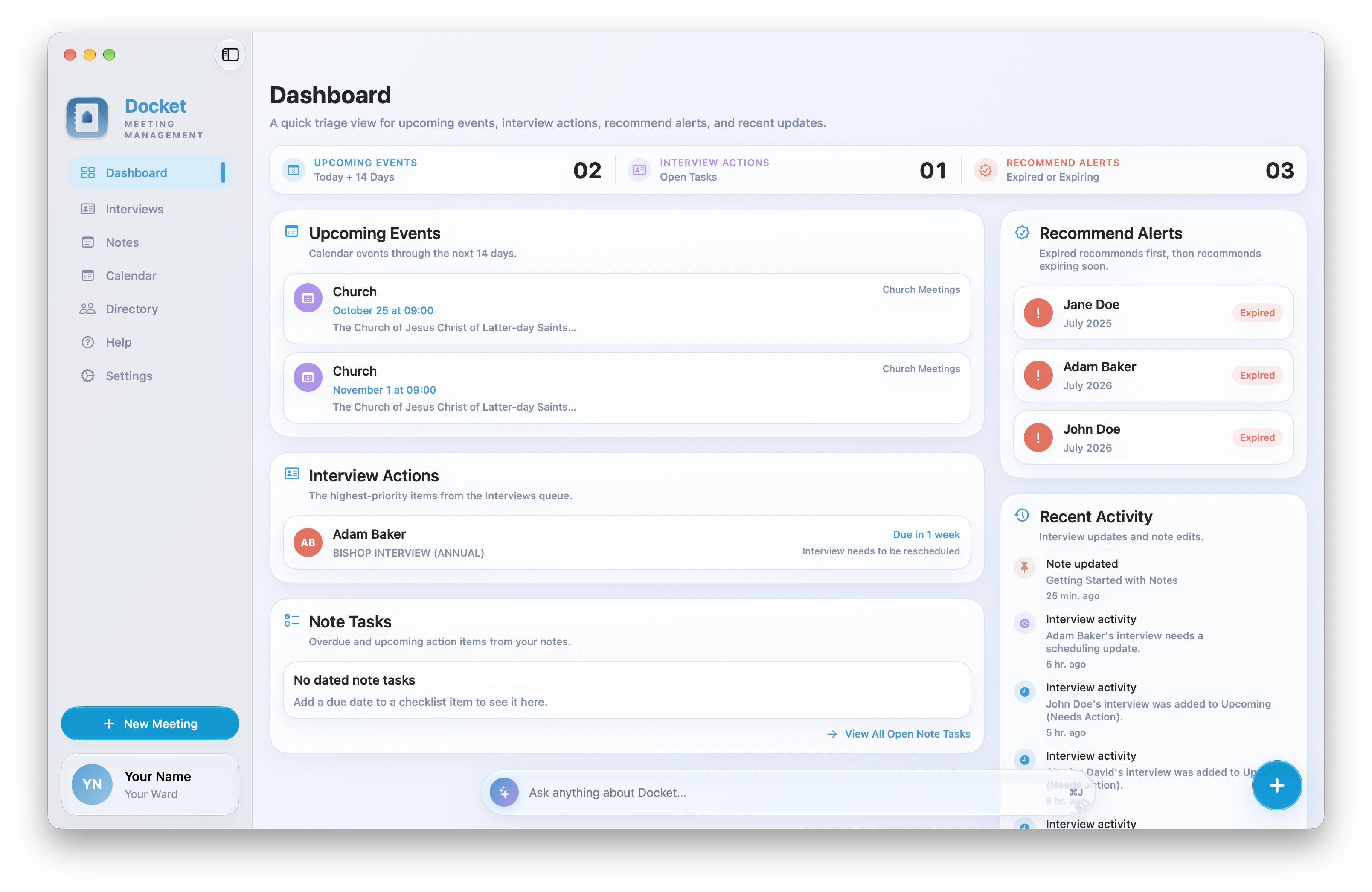
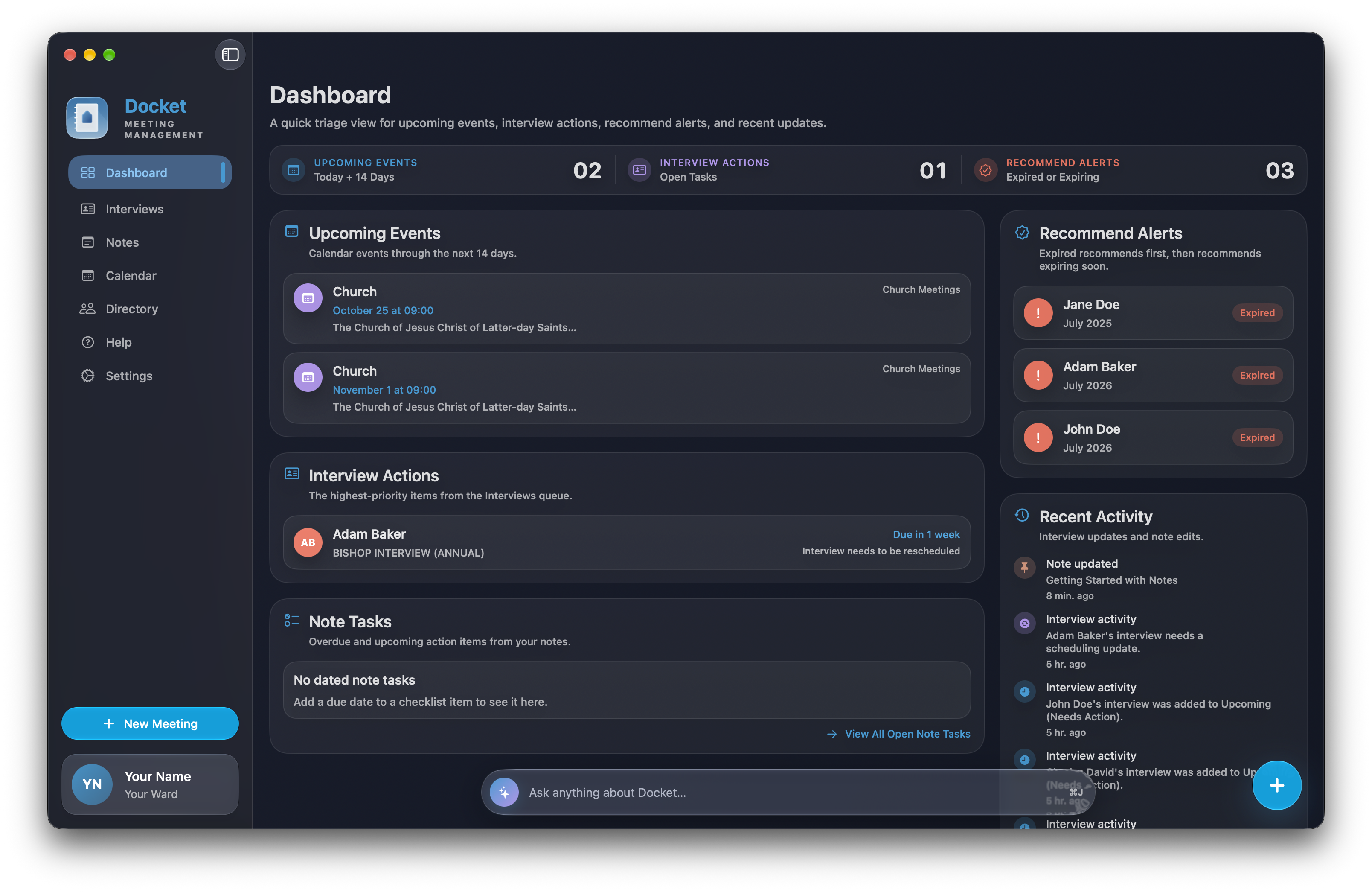
Dashboard

A priority-first view of upcoming calendar events, interviews needing action, recommend alerts, dated note tasks, and recent activity.

  • Fourteen-day calendar outlook
  • Open record from any alert
  • Quick-create menu
  • Optional on-device AI Overview
02

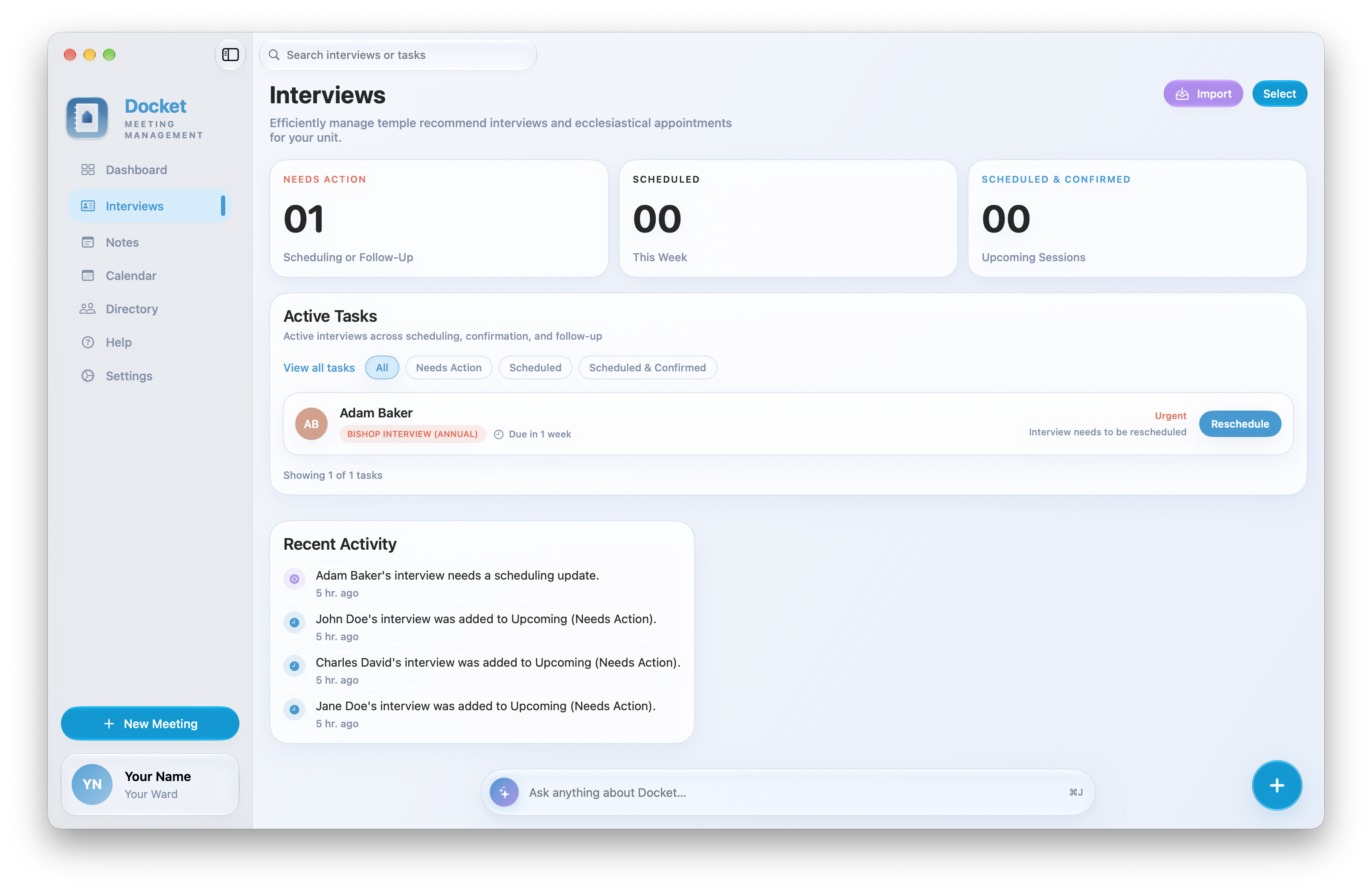
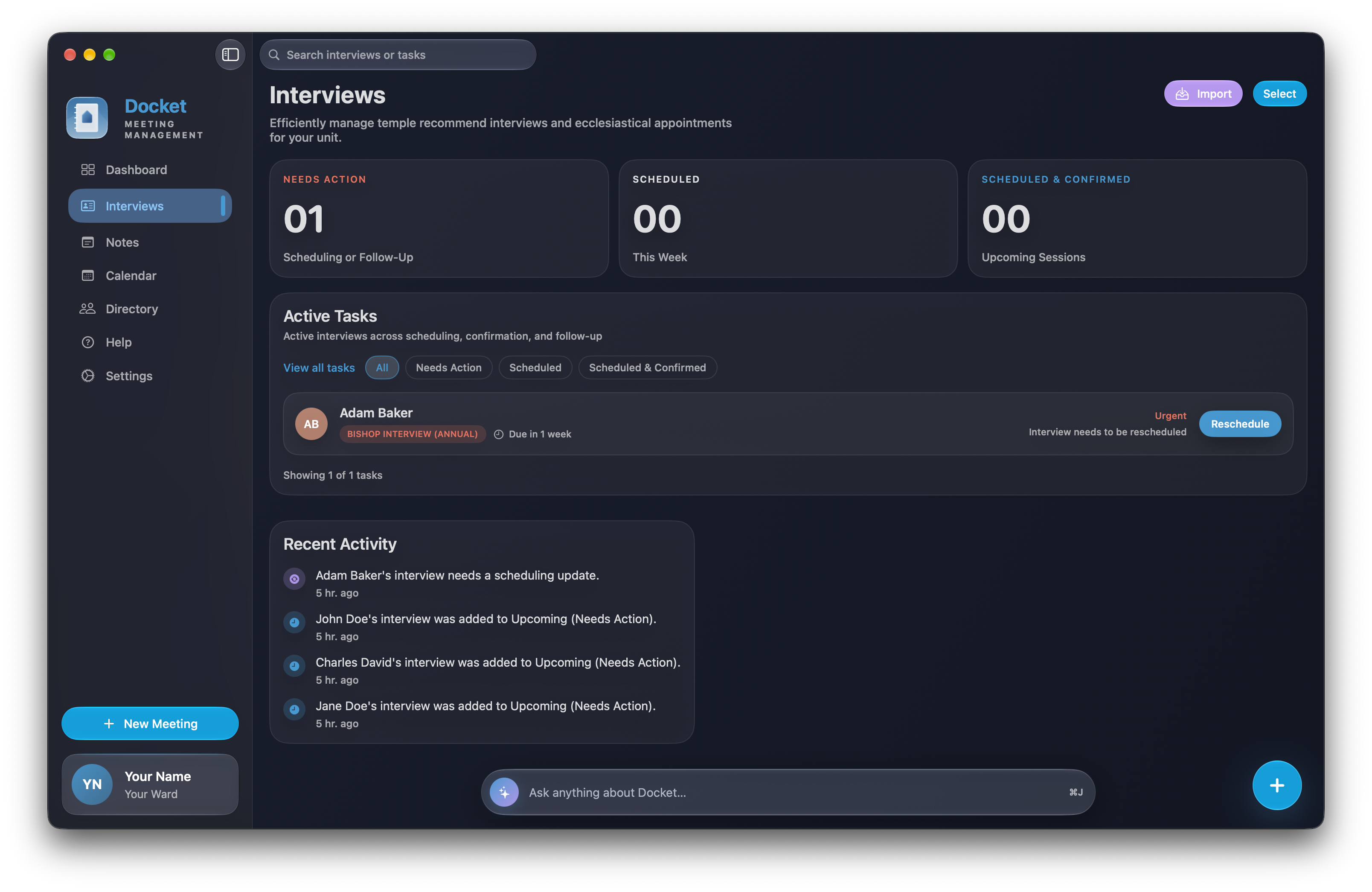
Interview workflow

A single queue for proposed, scheduled, confirmed, rescheduled, and completed interviews, connected to the right member record.

  • Due-month planning
  • Needs-action and follow-up states
  • Calendar-linked appointments
  • Recent interview activity
03

Apple Calendar

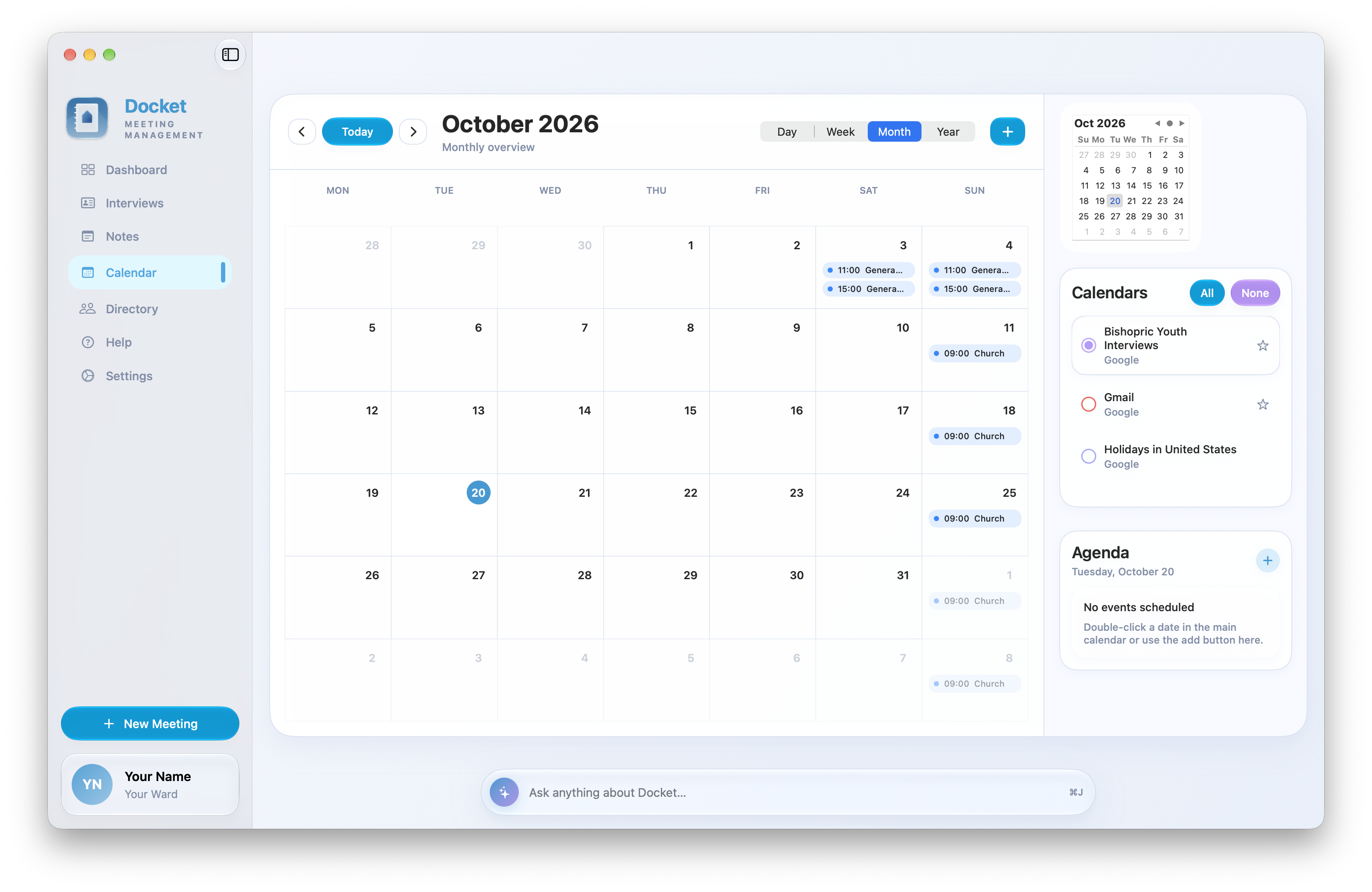
Choose the calendars Docket can display, set a default writable calendar, and create or update events without leaving the workspace.

  • Month and agenda views
  • Selected-calendar controls
  • Create and edit events
  • Interview-to-calendar linking
04

Structured notes

Write flexible meeting notes with practical structure and connections back to the work they describe.

  • Checklists with due dates
  • Member, interview, note, and event mentions
  • Backlinks between records
  • Pinned and grouped notes
  • Saved recovery versions
05

Directory & recommends

Keep searchable member context close, including contact details, class or quorum, birth date, and temple recommend dates.

  • Manual member records
  • Recommend expiration alerts
  • Search and class/quorum filters
  • Member information at a glance
06

PDF imports

Turn authorized, text-based Church reports into usable local records and queues without retyping every line.

  • Member directory import
  • Temple recommend status import
  • Action and interview list import
  • Reviewable import summaries
07

Data administration

Export or restore a backup from Settings. Backups include saved conversations and note recovery versions; restoring replaces current app records and can sync to your other devices.

  • Portable JSON backup
  • Saved conversations and recovery versions
  • Reset App Data on Mac
  • Privacy and deletion guidance
08

Guided onboarding

A focused welcome tour and contextual tips help each leader understand the next useful tool without cluttering the app.

  • Welcome overview
  • Contextual feature tips
  • Replayable guidance
  • Permission-aware setup
On-device intelligence

Ask about your work.
Find the context you need.

Docket Assistant answers questions about records, summarizes notes, and helps you understand upcoming work. It responds to your requests without independently managing tasks. It provides information only; use Docket's regular views to create or change items yourself.

Explore Docket Assistant ↗
Designed as a system

Every view leads back
to the right context.

Private iCloud syncRecords, saved conversations, recovery versions, and selected preferences sync across your devices when iCloud is available.Native calendarEvents remain in the Apple calendar account you select.Connected contextKeep member details, interviews, notes, and calendar information close to the work.
Docket app icon
Docket for Mac, iPhone & iPad

Everything essential.
All included.

Docket is free, private by design, and ready for the practical rhythm of ward leadership.

Coming soon to theApp Store
FreemacOS, iOS & iPadOS 26+No Docket account